Work in the specialist portal
Give a specialist access
Section titled “Give a specialist access”- A firm Admin opens Settings → Specialist access and allows assignment.
- The firm shares its displayed firm ID with BillTend operations.
- An authorized BillTend operator opens Firm assignments, finds the firm by ID, and assigns a specialist.
Access requires a staff account and multifactor sign-in. A firm can suspend access in Settings. If the firm later opts back in, operations must make a new assignment.
Work your assigned queue
Section titled “Work your assigned queue”Open the specialist portal and select the assigned firm. Use Needs follow-up to find priority cases or All bills to search the firm’s queue. Open a bill to review its balance, billing contact, payments, credits, and available PDF.
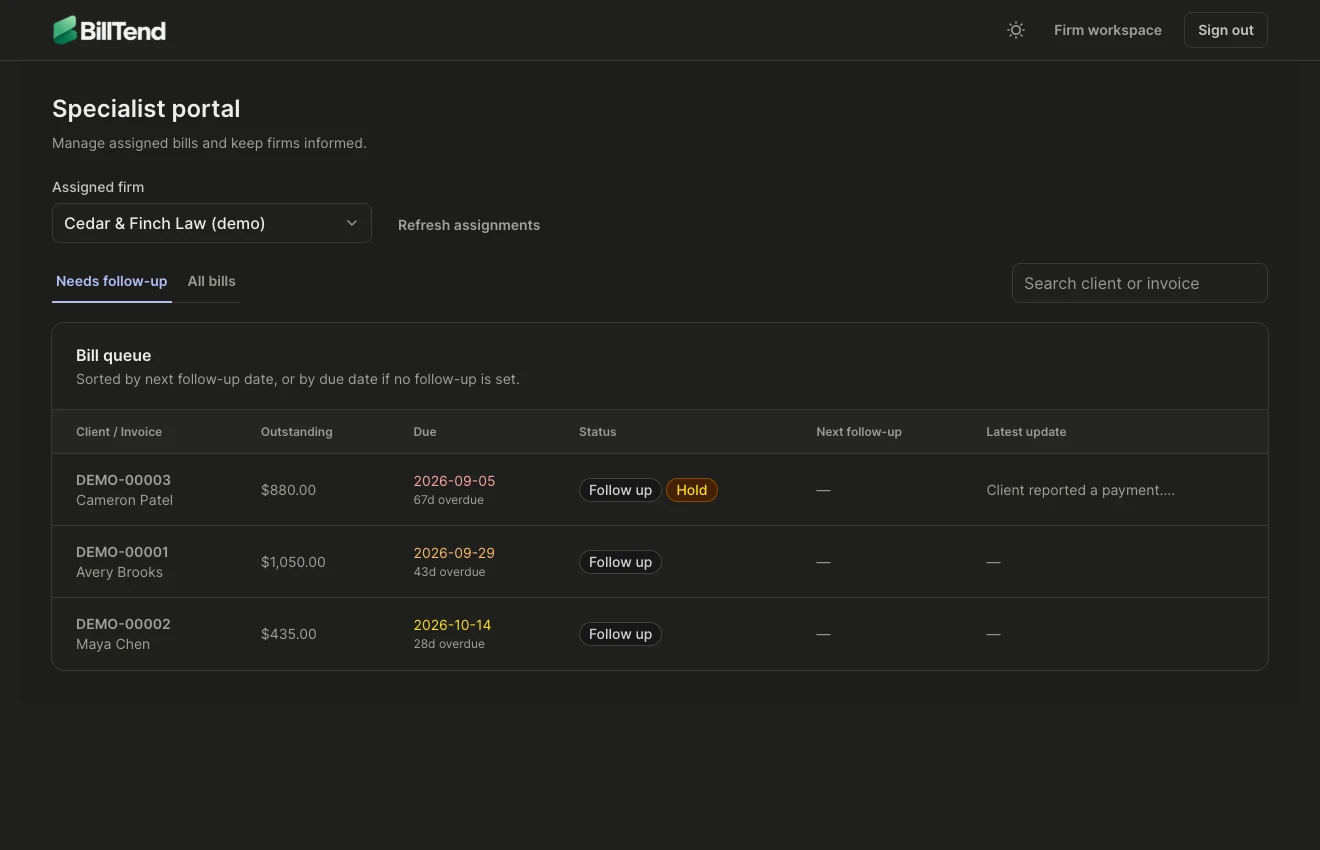
Use Post update to choose a status, add a note, and optionally set a follow-up date. Choose Needs firm approval to hand a proposed reminder back to the firm for review. Use BillTend specialists only for a private handoff note. Shared updates appear in the firm’s invoice Activity.
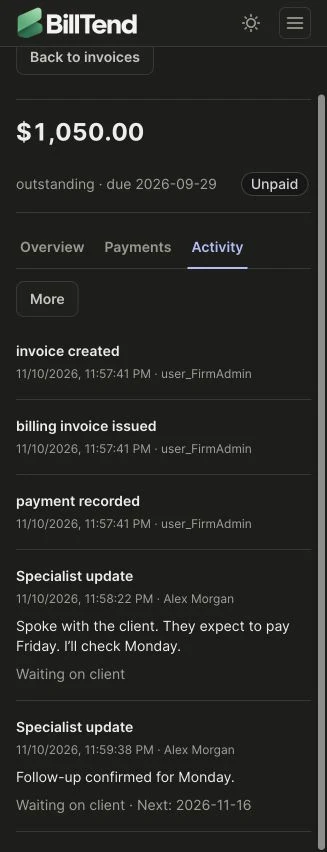
Approve and log a human call
Section titled “Approve and log a human call”When calls are enabled, the firm opens More → Follow up & notes → Specialist call on the invoice. The firm approves the exact number, date, script, and any permissible voicemail. Leave the voicemail field blank when the specialist should skip voicemail.
The assigned specialist opens the approval during the allowed window, checks the instructions, and dials manually. Afterward, log the outcome and a short update. A claimed payment or dispute pauses follow-up. Wrong numbers and do-not-call requests block that number for the firm.
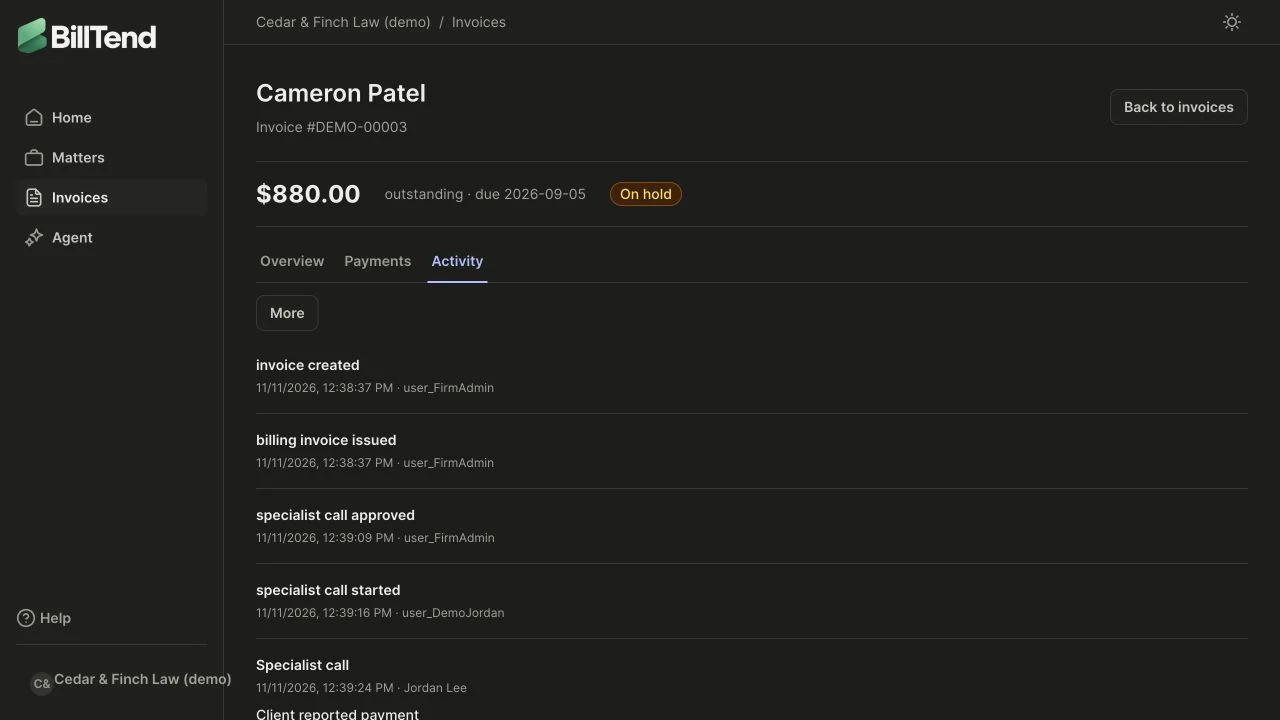
A specialist can share progress and record outcomes. The firm approves outreach and manages financial records.