Use Agent and Ask Tend
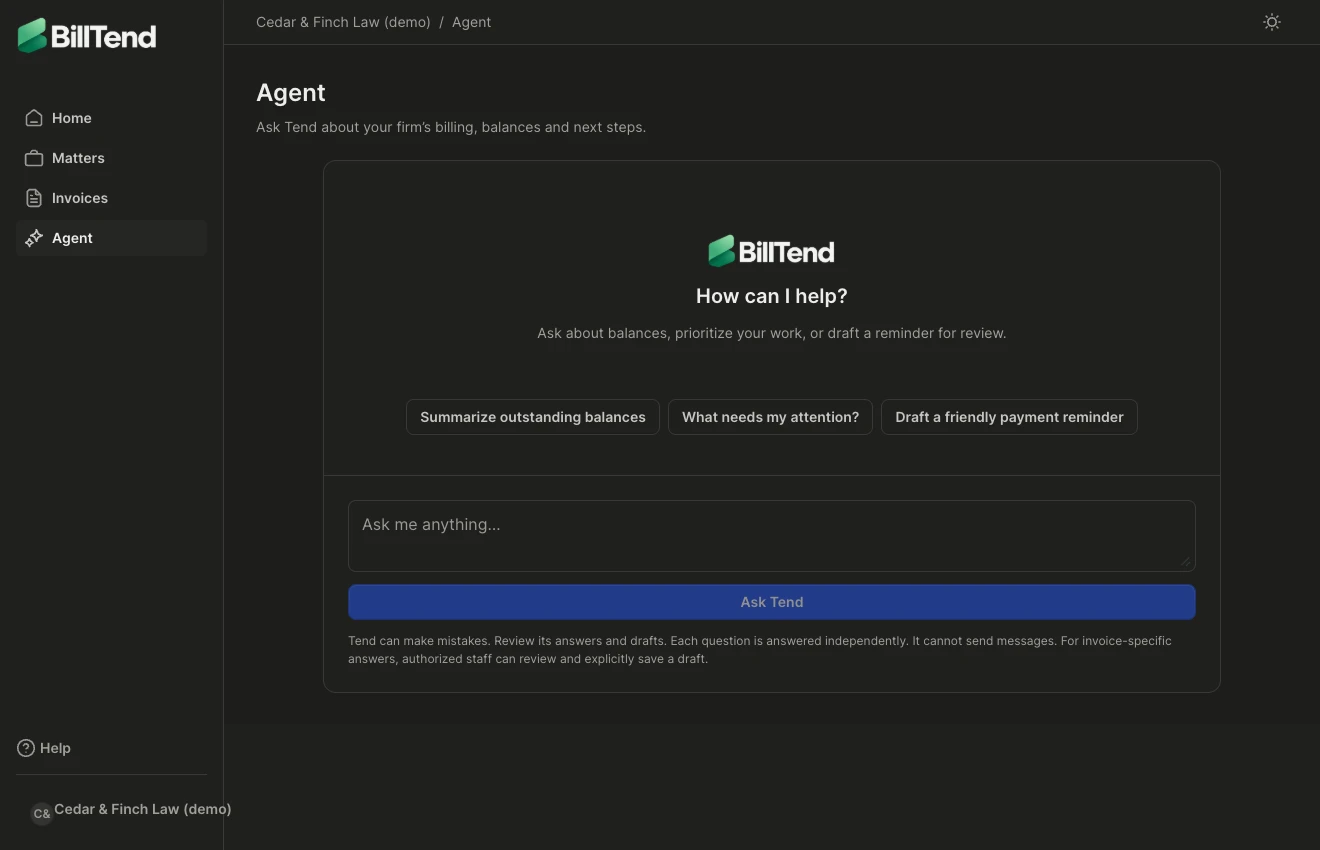
Open Agent for the full conversation or Ask Tend where the assistant is available in context. Try a question like:
- Which overdue invoices need attention today?
- What changed on this invoice?
- Can you draft a short, polite reminder for this balance?
Each question is answered independently. Include the invoice number or open the invoice’s Ask Tend action when the question concerns a particular bill. Use any invoice links in the answer to verify the balance, activity, and contact details. Keep your request focused on billing. Avoid adding confidential case details when the billing context is enough.
Save a reviewed draft
Section titled “Save a reviewed draft”When Tend offers a draft for an invoice, open Review Tend draft. Check the invoice number, edit the wording, and select Save reviewed draft. Saving replaces the draft and cancels previously scheduled outreach for another review. To schedule it, follow the separate approval steps.
A conversation can help you choose the next action. Payments, invoice changes, and client messages still go through the relevant firm workflow.