Record payments and correct balances
Record a payment or credit
Section titled “Record a payment or credit”- In Invoices, open the invoice and select Payments.
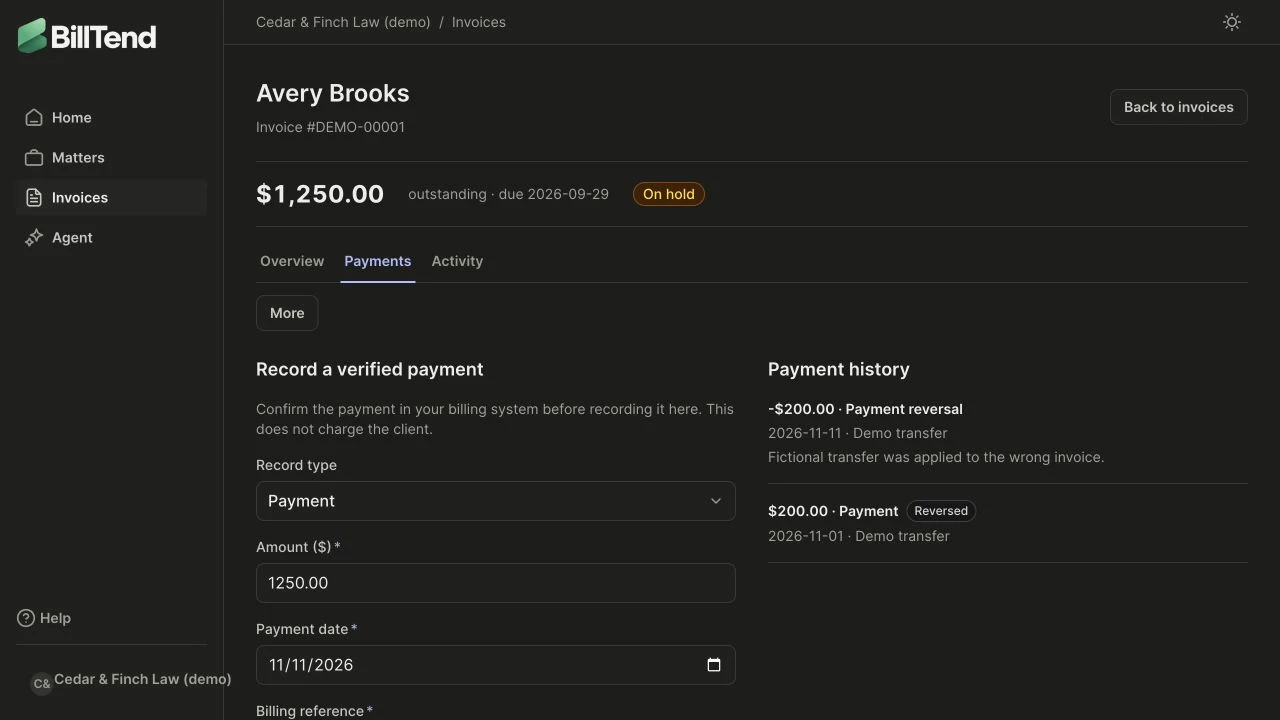
- Confirm the payment in your bank or billing system. Choose Payment for money received or Credit for a non-cash adjustment.
- Enter the amount, date, and reference, then save. Review the payment history and remaining balance.
A partial payment reduces the remaining balance. Full payment clears it and stops scheduled outreach for that balance. A credit affects the balance without increasing cash recovered. BillTend records your entry without charging the client.
Reverse a mistaken entry
Section titled “Reverse a mistaken entry”In Payment history, open the action for the original record, choose Reverse, and enter the reason. The original and reversal both remain visible. Review the restored balance and the resulting hold before resuming follow-up. For a provider-synced payment, correct the source system and review the sync result.
Correct an issued invoice
Section titled “Correct an issued invoice”- Void and reissue when the original is wrong. Reconcile existing payments or credits first if the action is blocked. The original document remains accessible. A replacement receives a new number.
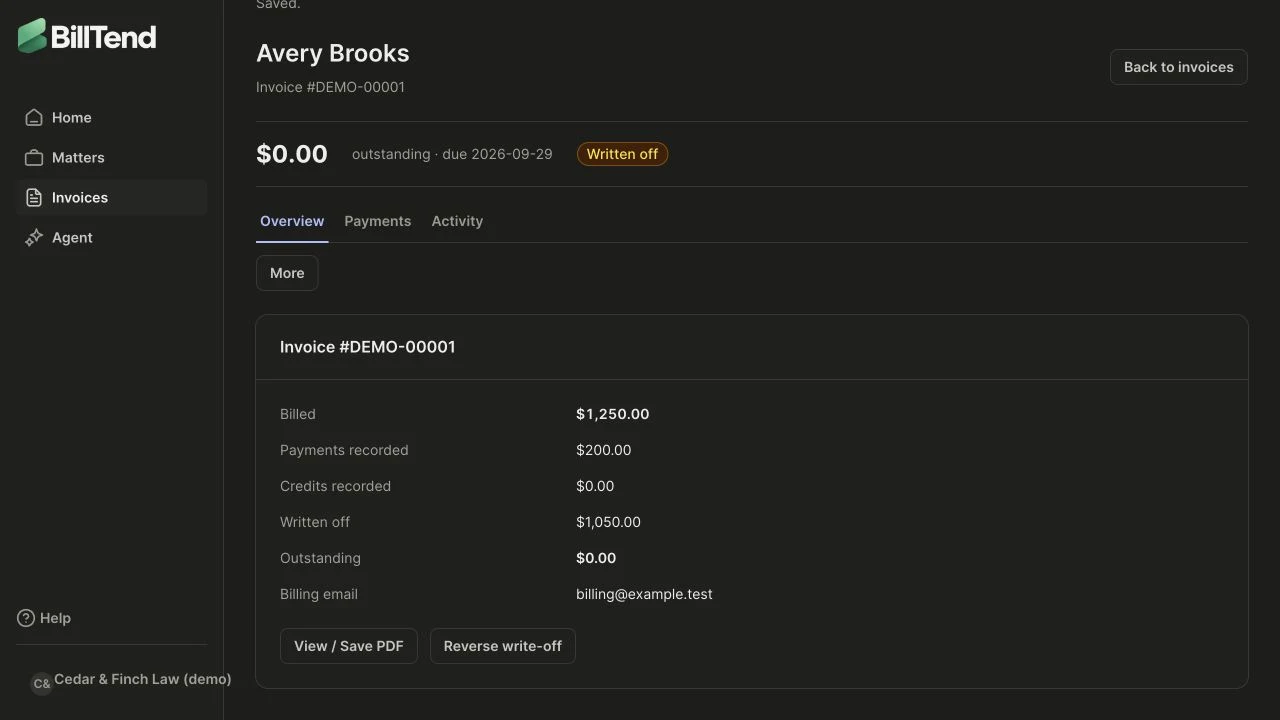
- Write off an amount your firm has decided it won’t pursue. Record the reason, then check the balance and history. A write-off is distinct from cash received and can be reversed by an authorized user.
Track a payment arrangement
Section titled “Track a payment arrangement”On the invoice, choose More → Payment plan and add the proposed installments, and review the amounts and dates with the firm before approving. Record actual payments as they arrive. If an arrangement changes or ends, archive it and document the reason so the next reviewer can see what happened.