Manage clients and matters
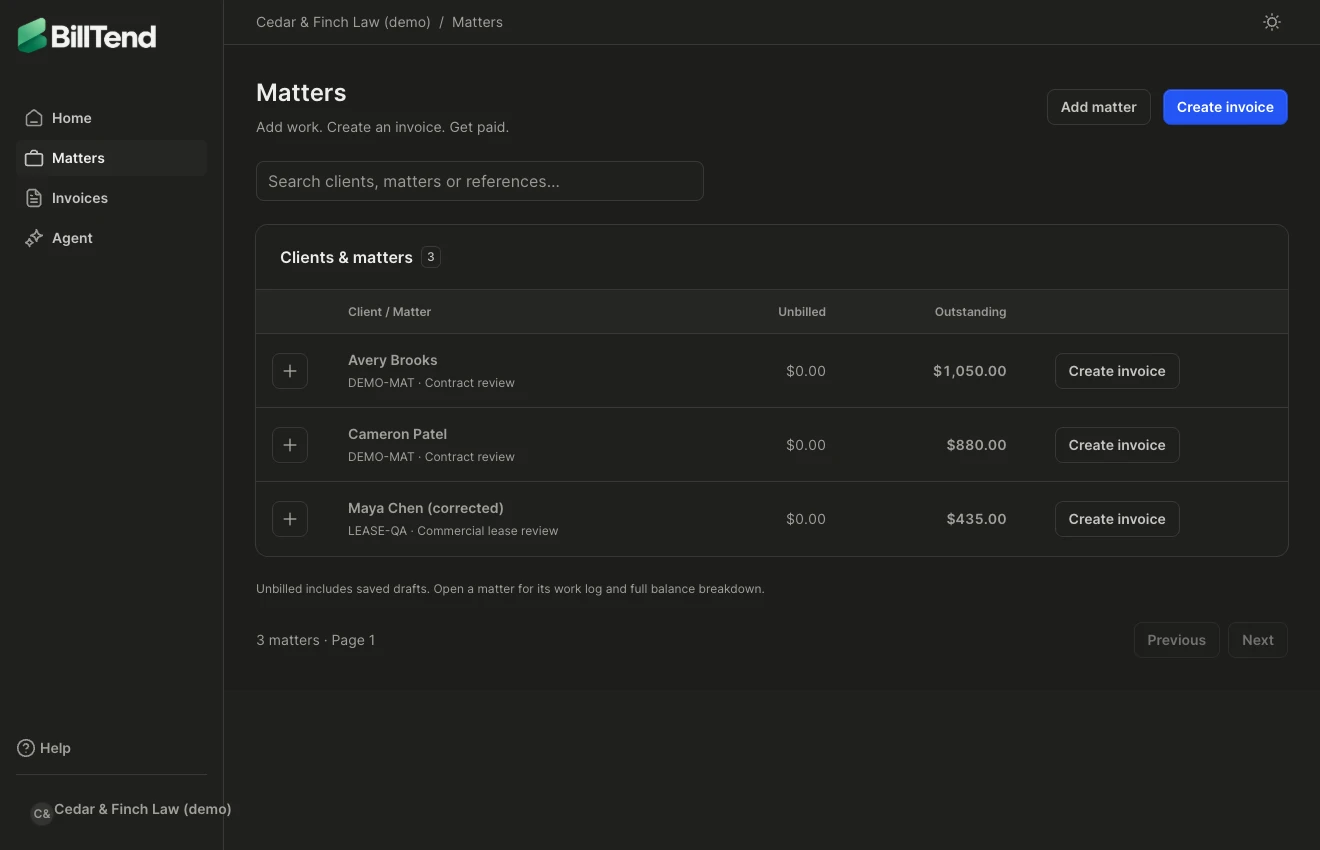
- Open Matters. Use the search box to find the client or matter by name or reference.
- Choose Add matter to select a client or create one. Give the matter a name and, if your firm uses them, a reference.
- Open a matter to see work, invoices, and balances. Use + beside its row to bill time, add a flat fee, add an expense, or create an invoice with the client and matter already chosen.
Update client or matter details
Section titled “Update client or matter details”Open the matter or client details and use the edit action. Review the billing email, address, default rate, matter name, and reference before saving. Directory changes apply to future work and documents. Issued invoice documents preserve the details they had at issue time.
General billing lets you track client-level work. If the invoice belongs to a case, choose the specific matter so your team can find and reconcile it later.