Bill time, flat fees, and expenses
From Matters, use the + menu on the client or matter row and choose the kind of work. You can also add work inside Create invoice.
| Action | Enter |
|---|---|
| Bill time | Date, description, time worked, and hourly rate. Confirm the rate before saving. |
| Add flat fee | Date, description, and agreed fixed amount. |
| Add expense | Date, description, and amount the client should be charged. |
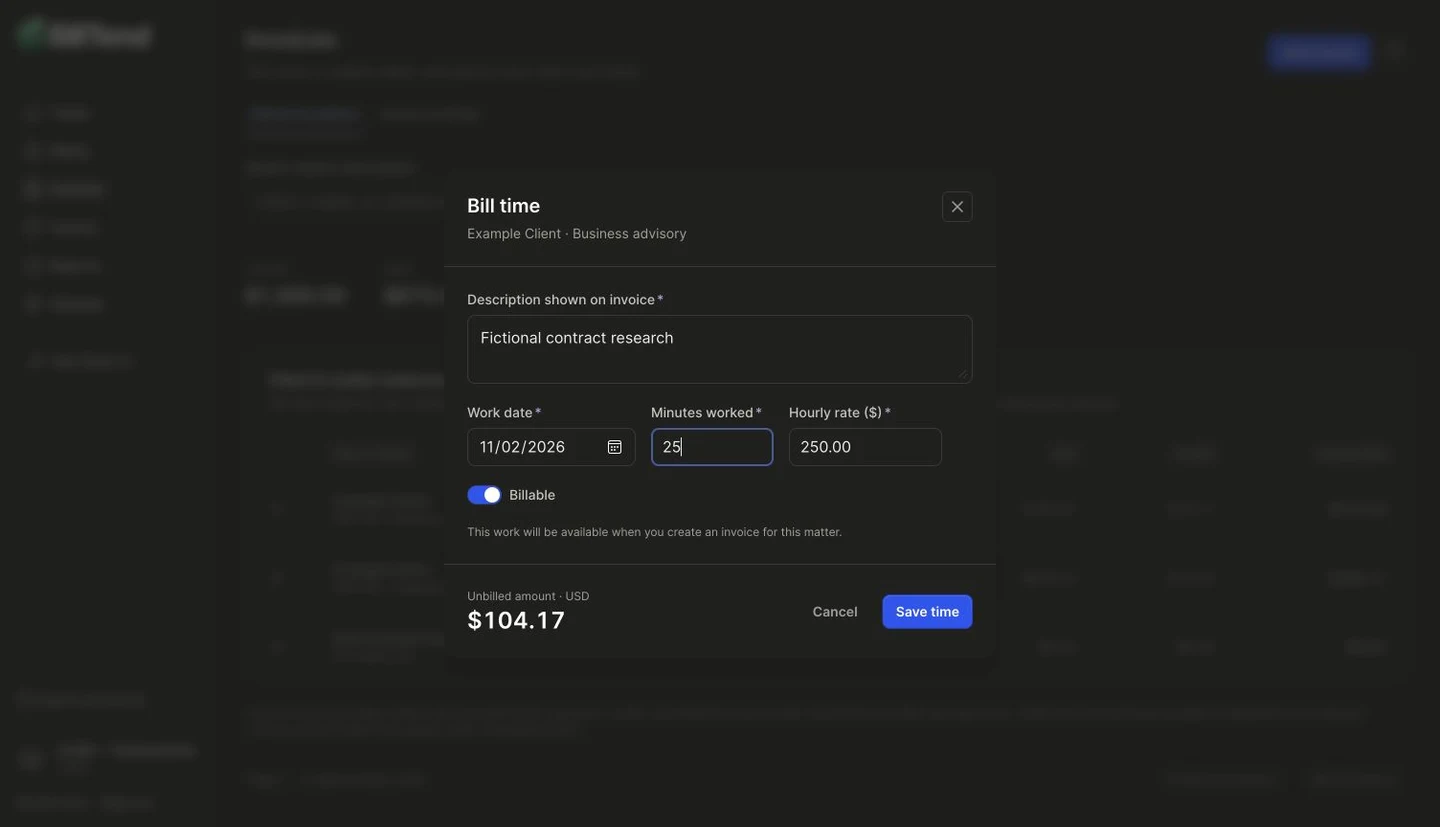
Leave a time entry marked billable to include it on an invoice. Nonbillable work remains in the work log and is unavailable to the invoice composer.
Saved billable entries are available on the selected matter. A draft reserves selected entries. Cancel the draft to release them if you need to rebuild its selection. Issuance attaches the entries to the finished invoice.
For an unbilled entry with the wrong amount or description, void it and add a corrected entry. For changes after issuance, see invoice corrections.